

 Beta
BetaKayts for Windows
Kayts in its own window: your chats, Research and Atlas, one click from the taskbar and always up to date.
Why the app
Its own window
Kayts sits on the taskbar, apart from your browser tabs, with a light or dark icon.
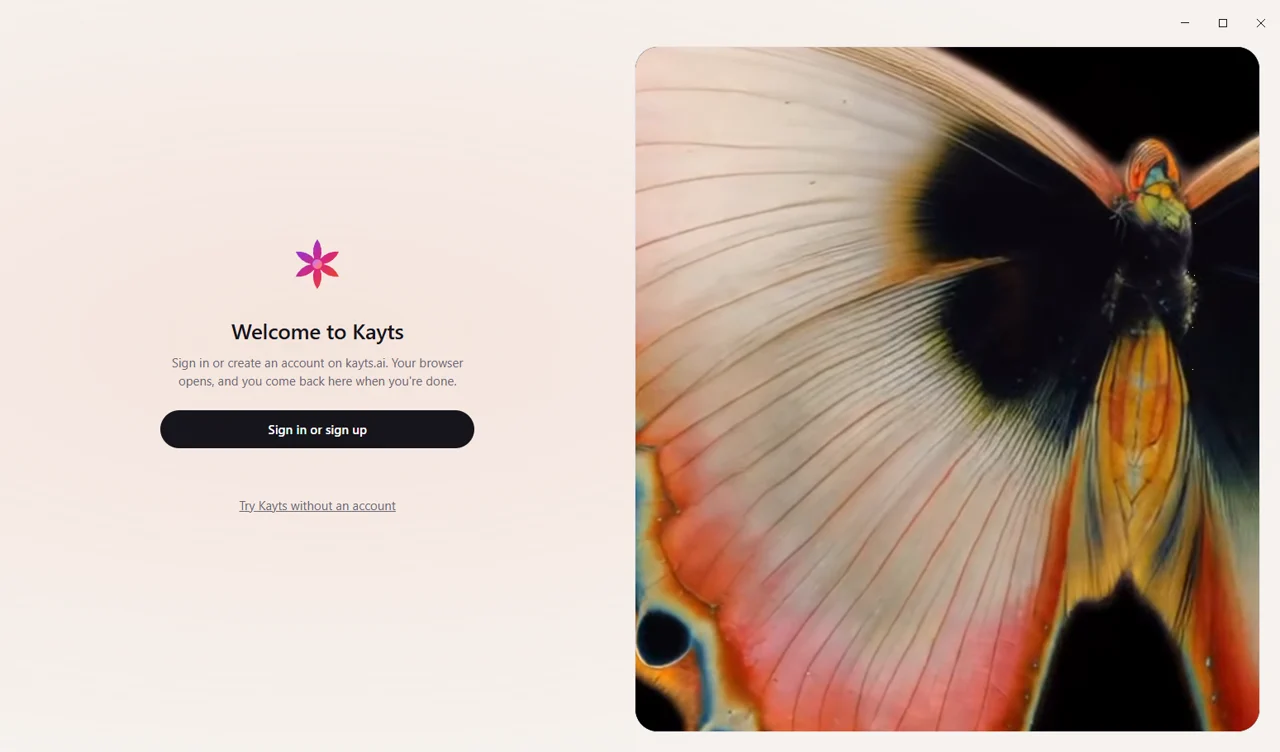
Sign in through your browser
Google, ORCID or your password on kayts.ai. The app gets its own session and never sees your password.
Always up to date
New features arrive the moment they're on kayts.ai, and the app updates itself in the background.
Everything you have on kayts.ai
Chats, Research, Atlas, files and voice, with the same account, plan and limits.
More ways to use Kayts
macOS and Linux Coming soon
The same app for a Mac and for Linux.

Mobile app Coming soon
Continue a chat on your phone, ask out loud and take a photo of a page to ask about it.

Browser extension Coming soon
Ask about the page you're reading: summarize an article, explain a paper or translate a passage without copying it.

Word and Excel add-in Coming soon
Draft and edit text in Word, explain formulas and tables in Excel, right next to your document.
Questions
Why does Windows show a warning?
The app isn't signed with a paid certificate yet, so Windows doesn't know it. Choose More info, then Run anyway. The installer comes straight from downloads.kayts.ai; a Microsoft Store version is on its way.
Do I need an account?
You can try a few messages without one. With an account you keep your chats and get your plan's limits, the same as on kayts.ai.
How does it update?
Changes to the chat reach the app at once. The app itself checks for a new version when it starts and installs it when you close it.
How do I uninstall it?
In Windows Settings → Apps → Installed apps, find Kayts and choose Uninstall. Your account and chats stay on kayts.ai.
Can I take back the app's access to my account?
Yes: in the chat, Settings → Account → Connected apps → Remove access. The app is signed out within a minute.